Plan precise cutting.
Support professional installation.
All versions currently on sale include the software functions listed on this page. Try the software free for 7 days; its interface is available in English only.
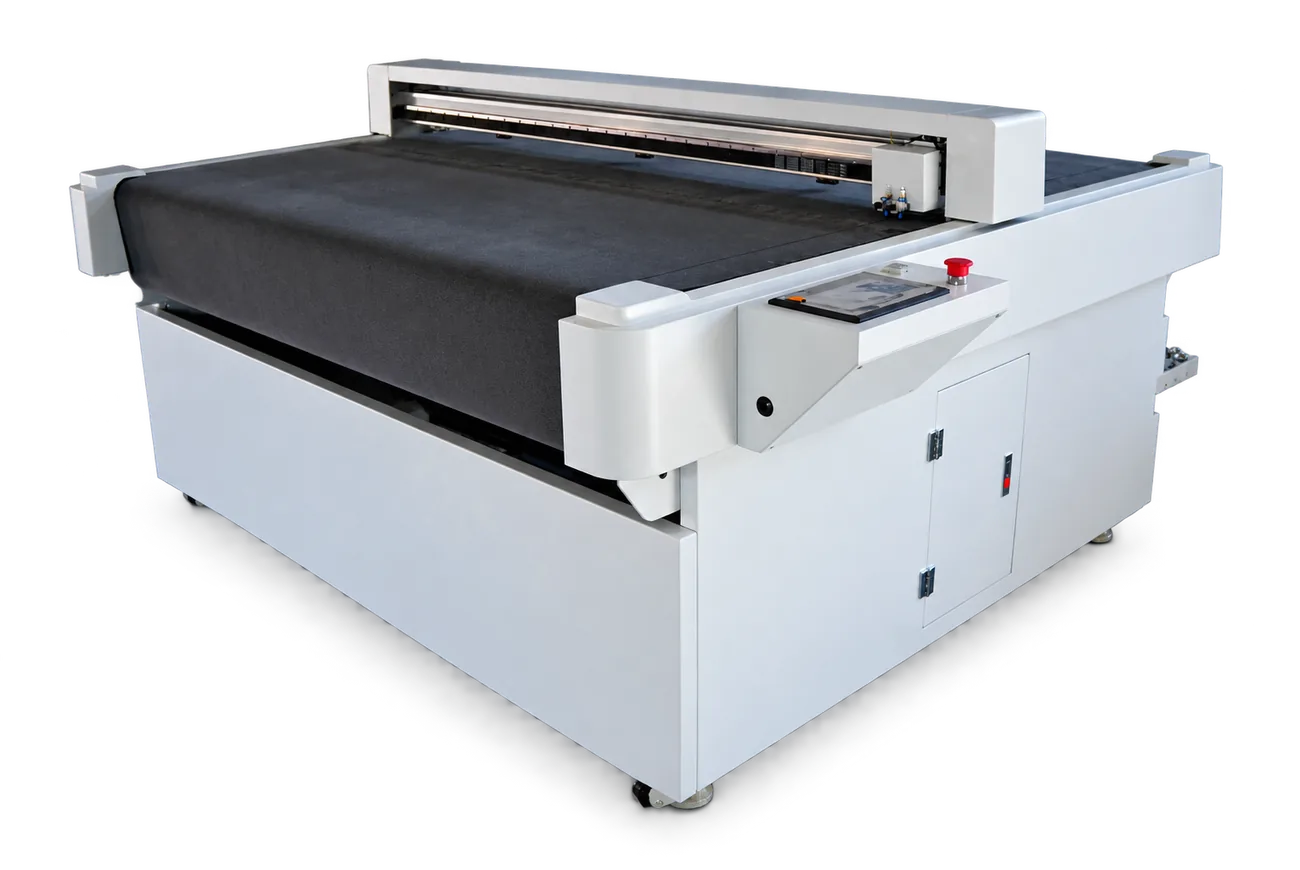
Plan the cut.
Review the installation workflow.
Results depend on the vehicle, pattern, film coverage and installation method. Validate the pattern and equipment settings for the job.
Assess material use
Nesting can improve the layout; actual utilization depends on the pattern set and roll dimensions.
Prepare the installation
Use prepared panel shapes to plan installation around the vehicle and your team’s workflow.
Reduce blade-on-paint work
Suitable patterns can reduce direct cutting on a vehicle; fitment and safe working practices still need checking.
Review disassembly needs
Check the prepared shapes against the vehicle and installation plan before deciding which parts need removal.
Select a cutting machine.
Compare the selected model’s film compatibility, working dimensions and installation requirements.
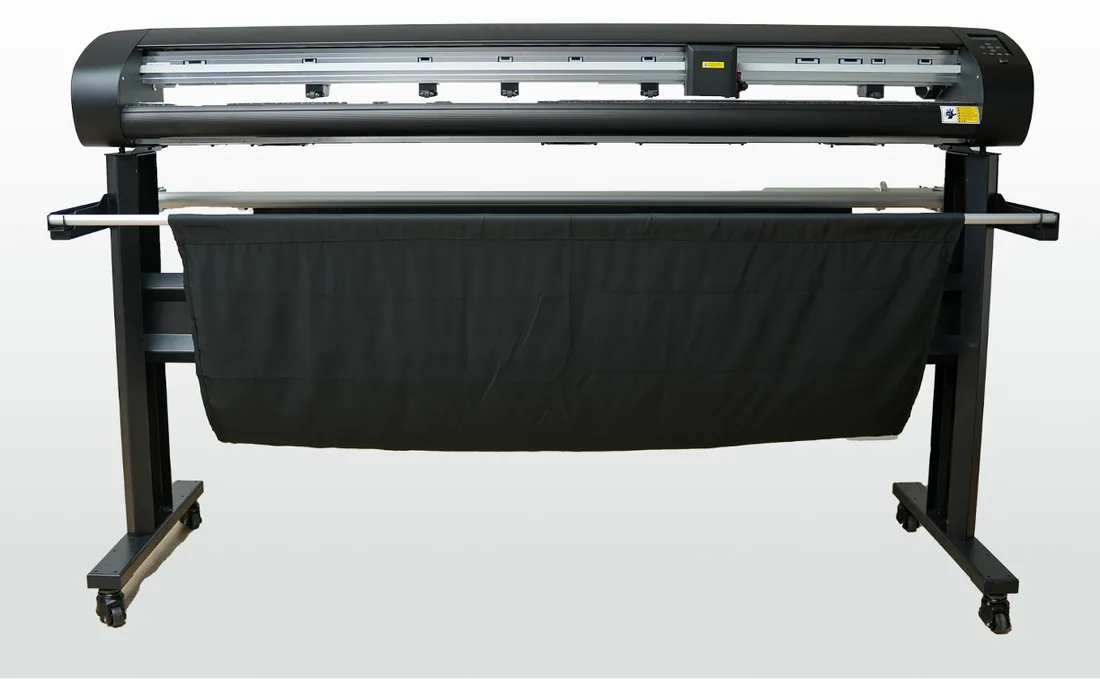
Discuss flatbed equipment for the required production volume and film coverage. Confirm the chosen model’s specifications.
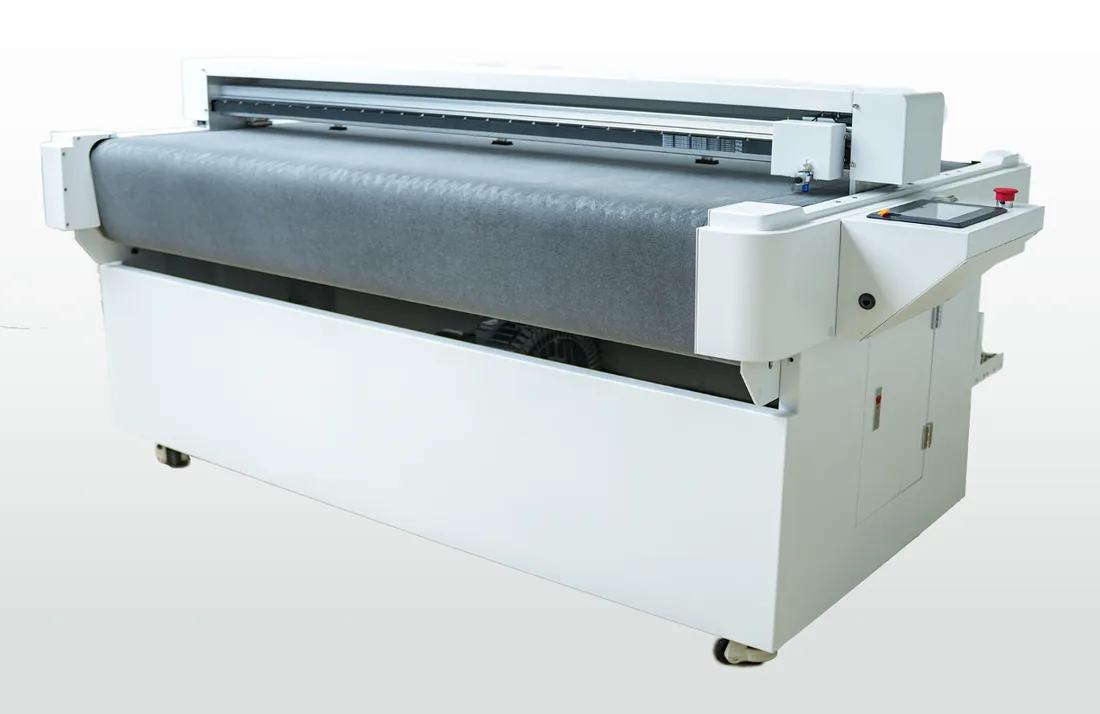 RS1600View details →
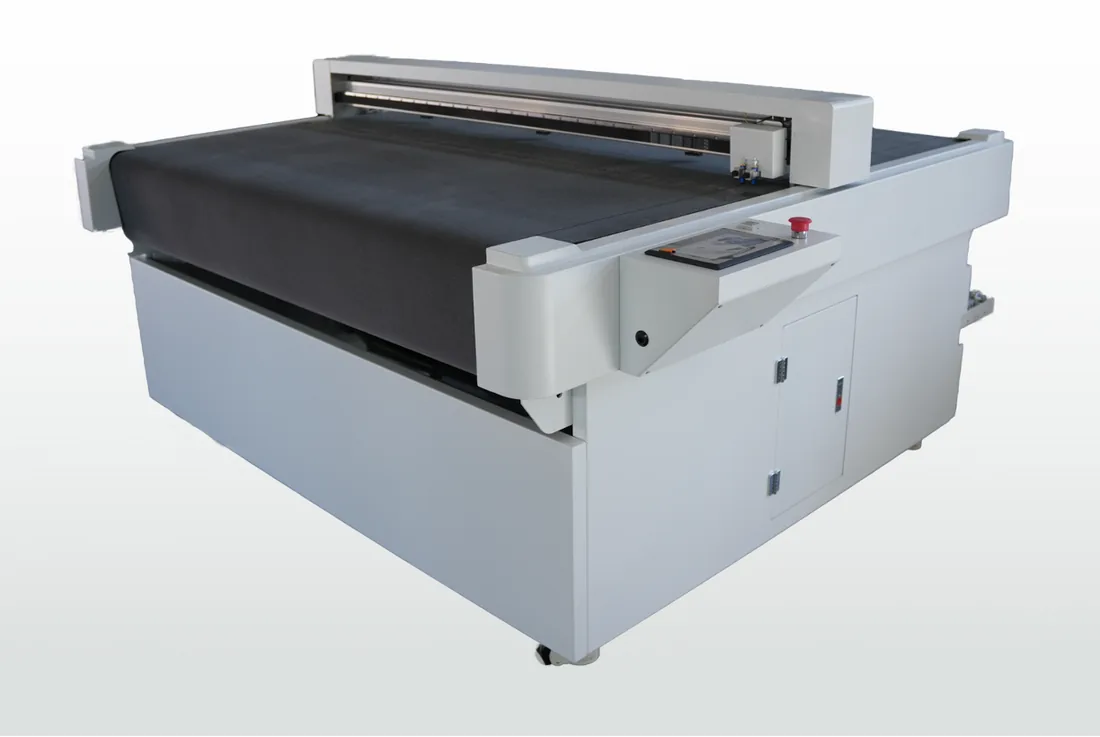 RS1600DView details →
Plan the data behind each cut.
Pattern editing
Edge expansion
Part selection
Batch deletion
Cut preparation
Nesting
Cutting-path optimization
Review update arrangements
Vehicle-model updates by agreement
Discuss vehicle-data capture coverage
From pattern file
to cutting preparation.
Select the vehicle, edit the panels, nest the roll and output the cutting job in one Windows PC application. The software interface is English only. Check the PC requirements and the connection for your machine before purchase.
- 01
Edit the pattern
Edit the vehicle file before cutting: move, add or delete nodes, offset local edges, and rotate, resize or remove handle openings. Check the edited pattern against the selected vehicle.
- 02
Nest the roll
AI-assisted nesting arranges panels on the film, compares the layout with the original and reports material utilization. Evaluate the result using your own patterns and roll dimensions.
- 03
Cut and separate
Review the double-cutting-line function with the chosen machine and film. Separation, weeding and installation readiness depend on the pattern, blade settings and material.
Vehicle pattern library
Confirm the exact brands, models, years and body variants you need. New-model availability and release dates require current confirmation.
Node editing
Move, add or delete nodes to adjust the panel pattern.
Local edge expansion
Discuss the available offset range and confirm the edited pattern against the vehicle.
Handle-opening editing
Rotate, resize or remove handle openings in the pattern.
Color zoning
Identify parts by color and compare them with the vehicle photos displayed alongside.
Part-name layout
View the panel layout with part names and synchronized selection on a 3D model.
Dense nesting
Dense nesting supports up to 41 components on one roll. The actual layout and material use depend on the pattern set, roll dimensions and spacing.
Double cutting line
Use two cutting passes to separate the part from the waste. Check the result with the selected machine, film and blade settings.
Discuss the software scope.
Confirm the license you need.
Discuss software and pattern-library development with CHISI. The standard version costs 780 USD per year; the custom version starts at 1000 USD per year. Authorization is account-based and bound to a single device, with access to and use of all data in the software database. Confirm branding, additional development and support in the quotation.
Discuss the software →- Review software-rights documentation
- Discuss a version with your logo
- AIDCUT / SignMaster / SignCut / HPGL
- Confirm the current update policy
- Confirm Windows PC requirements
- Discuss an OEM pattern library
Review how patterns
are prepared and checked.
Discuss handheld 3D scanning and point-cloud processing for the vehicle panel files you need. Confirm model and regional-variant coverage, scanning arrangements, release dates and fitment checks with CHISI.
Regional trims and body variants require their own data checks. Confirm the current scanning partners and the right to use the supplied patterns.
Scanning-network references
Confirm current scanning partners and regional coverage for your required models.
- Japan
- Germany
- Korea
- Southeast Asia
- North America
- Europe
- South America
 CHISI New material · Customization Center
Describe your cutting-system OEM / ODM requirements
Select the components to discuss, then describe machine, software and branding requirements. Entries are project requirements, not confirmation that every requested function is available.
Customization details
Questions before choosing a system
Is software included with the cutting machine?
The standard software version costs 780 USD per year; the custom version starts at 1000 USD per year. The payment cycle is annual. Authorization is account-based and bound to a single device, with access to and use of all data in the software database. Confirm whether the selected machine quotation includes software and agree any bundle separately.
Can I use it with my existing plotter?
Discuss the listed software and output options—AIDCUT, SignMaster, SignCut and HPGL—using your exact machine model, software version, connection and sample files. Confirm compatibility for the intended setup before purchase.
Which vehicles does the library cover?
The database contains 100,000+ entries covering global vehicle brands and body variants. Confirm the exact models, years and regional variants needed for your work.
Can I use my own brand?
Discuss a logo-branded version and any proposed vehicle-data extension. The payment cycle is one year; authorization is account-based and bound to a single device, with access to all software data. Confirm the branding, available additional functions and development work before agreement.
How are updates supplied?
The account’s data-access scope includes all software data. Confirm how pattern updates are released and the availability of the vehicle models you need for your use of the software.
What training is available?
The described workflow has three stages: edit, nest and cut. Discuss a remote demonstration, training scope and support arrangements for your team; the required time depends on the system and users.
Discuss support for your shop.
Discuss 1-to-1 pattern-fitment support
Review vehicle fitment and pattern selection with CHISI; confirm the scope and availability of support for your project.
Technical guidance
Discuss equipment operation, setup and product-specific guidance with the technical team.
Software customization for brands
Define customized vehicle-data and pattern requirements with CHISI before development.
Plan your cutting workflow with CHISI.
Discuss the required equipment, current vehicle-data coverage and support terms for your installation business.