
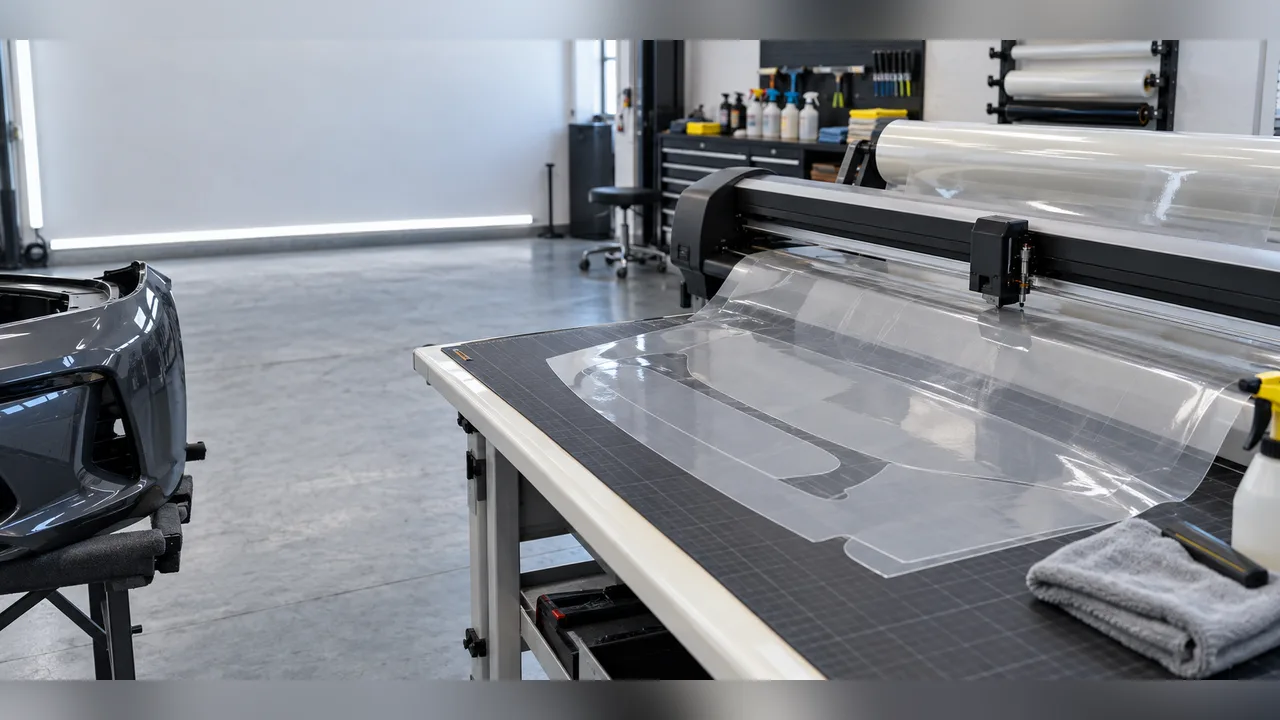
Why cutting-system selection affects the finished product
As a PPF shop network grows, installers may use different pattern sources, allowances, cutting habits, and inspection routines. This can lead to inconsistent material consumption, uneven edges, and difficult troubleshooting. A cutting system can reduce those differences when software, machine, film width, pattern library, and training are managed as one workflow.
This article sets out an illustrative rollout framework for a shop network. It is not a named customer case or a guaranteed productivity result. It explains how to assess a PPF cutting system with evidence and build a repeatable installation process.
The starting point
The example network has several installation teams and a growing vehicle-pattern list. Some technicians cut by hand, others use local files or buy patterns from different sources. Its three goals are to:
- reduce avoidable film waste;
- simplify pattern preparation for new technicians;
- keep the finished appearance consistent across locations.
The owner first asks for the fastest cutter, but speed alone cannot resolve a missing pattern, an incorrect compensation setting, a mismatched roll width, or a technician's inability to check a cut before installation.
A better question is which system produces the correct pattern in the required material width, with a controlled inspection step, for the shop's actual workload.
Step 1: Map the existing workflow
Before choosing equipment, map the job from customer booking to completed vehicle. Include:
- vehicle identification and pattern selection;
- the panel list and material estimate;
- pattern adjustment and expansion;
- nesting and positioning on the roll;
- cutting and removal of unwanted film;
- panel preparation;
- installation and edge finishing;
- inspection photographs;
- warranty registration and the job record.
This map shows where a cutting system can help. Software can improve pattern searches and layout, but cannot compensate for contaminated paint, poorly controlled slip solution, or stretching beyond the validated installation process.
Step 2: Select against practical constraints
Create a decision table before comparing machines.
| Requirement | Why it matters | Evidence to request |
|---|---|---|
| Pattern coverage | Speed is of little use when common vehicle patterns are missing | The current library scope and update process |
| Working width | The width must suit the intended panel and roll | Maximum feed width and cutting width |
| Accuracy and repeatability | Small errors affect edges and waste | The stated accuracy and a verified sample cut |
| Speed range | Film constructions and details may need different speeds | Speed controls and tested settings |
| Software controls | Expansion, nesting, mirroring, and panel edits affect fit | A live demonstration for a target vehicle |
| File and logo handling | Private-label shops may require branded patterns or records | Supported formats and version controls |
| Support and training | Technician adoption affects rollout success | An onboarding plan and an escalation route |
CHISI's knowledge base lists cutting software with vehicle templates, expansion controls, layout functions, English support, and optional logo customization subject to sales confirmation. It also describes vertical and flat-machine families with different widths and speed specifications. These are reference capabilities, not equal-output promises for every site. Test a representative panel on the actual film and machine before adopting a network standard.
Step 3: Run a controlled pattern trial
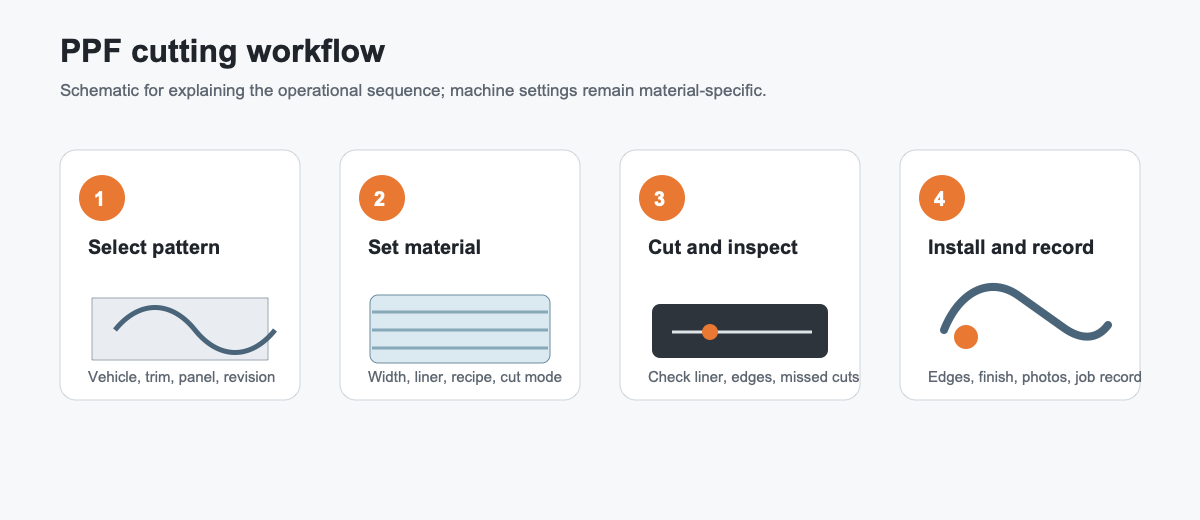
In this example, the pilot uses five panels with different risks: a flat hood section, curved bumper, mirror, door edge, and headlight. Each site cuts the same panels with the proposed system and records:
- pattern-search time;
- the number of manual edits;
- film width and nesting efficiency;
- time from file selection to the completed cut;
- edge allowance after installation;
- rework caused by pattern or cutting errors;
- technician confidence and training questions.
Compare the full workflow, not only the motor. A precise output file can still cause errors if the system makes panel previews, revision storage, or material-setting identification difficult.
Step 4: Match the machine settings to the film
The film is an active part of the process. Total thickness, liner behavior, adhesive tack, stretch, and topcoat affect cutting and handling. Settings suitable for one TPU PPF may not suit another model or a differently constructed color film.
Create a material profile for each film accepted by the network. Record:
- the film name and revision;
- nominal thickness and width;
- liner type;
- blade or tool settings;
- starting speed and pressure settings;
- whether the cut is full, partial, or a kiss-cut;
- inspection photographs;
- storage and conditioning requirements.
Revise the profile when the film, liner, or machine configuration changes. Apply the same version discipline to cutting settings as to a technical data sheet.
Step 5: Train technicians to verify the cut
Training should develop judgment, not only memorized button sequences. Technicians need to answer four questions:
Is this the correct vehicle and panel version?
Trim, model year, sensors, and body kits can alter the required pattern. Verify the reference before cutting.
Is the allowance suitable for this material?
Set expansion according to film stretch and panel geometry. More allowance is not always safer: excess can increase waste, tension, and edge-finishing work.
Is the cut ready for installation?
Inspect the cut film for missed details or incomplete outlines, and inspect the liner for damage inconsistent with the intended cutting mode. For a kiss-cut, verify that the film is cut while the liner is not cut through. Check before installation so that defects are found before the panel reaches the vehicle.
What should be recorded when a pattern changes?
Save the revision with the vehicle, panel, film, and date so that local corrections are neither lost nor used on the wrong material.
Step 6: Add quality checkpoints to the workflow
A cutting system is useful when it supports repeatable quality checks. The example network uses four:
- File check: confirm vehicle, panel, film, and pattern revision before cutting.
- Material check: confirm roll width, liner, batch, and settings.
- Cut check: inspect the liner and cutting depth before taking the panel to the vehicle.
- Installation check: inspect edges, tension, appearance, and contamination before release.
These checks also support warranty investigations. If a claim arises later, the shop can review the material batch, pattern revision, installer, and inspection photographs instead of relying on memory.
What the network can learn
This rollout framework highlights three practical points.
First, pattern coverage has commercial value. Ask how the library is updated, how variants are identified, and how a missing panel is handled.
Second, cutter speed is only one part of throughput. Saved cutting time can be lost to pattern searches, incorrect film settings, or recutting.
Third, connected records matter. A pattern library, material profile, and digital warranty record help distributors and shop networks distinguish film, pattern, machine-setting, installation, and maintenance issues.
Assessing a supplier demonstration
Ask for a real workflow demonstration. Provide three representative vehicle panels and request:
- vehicle and panel search;
- variant confirmation;
- expansion or margin control;
- nesting on the intended roll width;
- partial- and full-cut options;
- revision saving;
- material-setting selection;
- output verification;
- the support process when a pattern is unavailable.
Use a sample of the film you actually intend to buy. A generic demonstration may hide interactions between liner, thickness, adhesive, and settings.
Frequently asked questions
Does cutting software replace installation skills?
No. It can standardize access to patterns and layout, but trained technicians are still needed for surface preparation, positioning, stretching, edges, and inspection.
Is a bigger machine always better?
No. A wider machine may accommodate more panels, but also affects space, cost, maintenance, and handling. Match the working width to the panel mix and roll sizes.
Should all TPU PPF use the same settings?
No. Thickness, liner, adhesive, and construction can change the cut. Each accepted material needs its own verified starting settings.
How should local pattern edits be managed?
Use controlled revisions. Record the vehicle, panel, film, change, technician, and approval date. Test changes before overwriting a shared master pattern.
Which KPI should come first?
Start with first-pass completion and film waste per standard panel. Add cutting time, rework, and complaints once the baseline is stable.
A rollout checklist
Before expanding to every location, confirm:
- the target vehicles and panels covered;
- software access and responsibility for updates;
- machine width and workspace;
- material-specific settings;
- sample-cut acceptance criteria;
- technician training and support;
- pattern revision control;
- job and warranty records;
- maintenance and calibration schedules;
- baseline KPIs.
Evaluate a PPF cutting system as a production workflow. Machine, software, film, pattern library, technician, and quality record must work together. Piloting this complete process supports a better investment decision and a clearer route to consistent installation.
Suggested next step
Prepare a demonstration request with one flat, one curved, and one detail panel. Include film width, thickness, liner, and expected monthly volume. The supplier can then propose equipment, software, training, and starting settings for the actual workflow.
References
- CMPE: PPF category
- CMPE: TPU extrusion and casting overview
- SAE J2661: Optical Imaging Evaluation of Impact Damage Resistance Testing on Exterior Finishes
Evaluate a cutting-system rollout
Explore the film cutting system program and CS1600 vertical film cutting plotter when assessing equipment for your shop network. Discuss machine, software, and onboarding requirements with CHISI.