
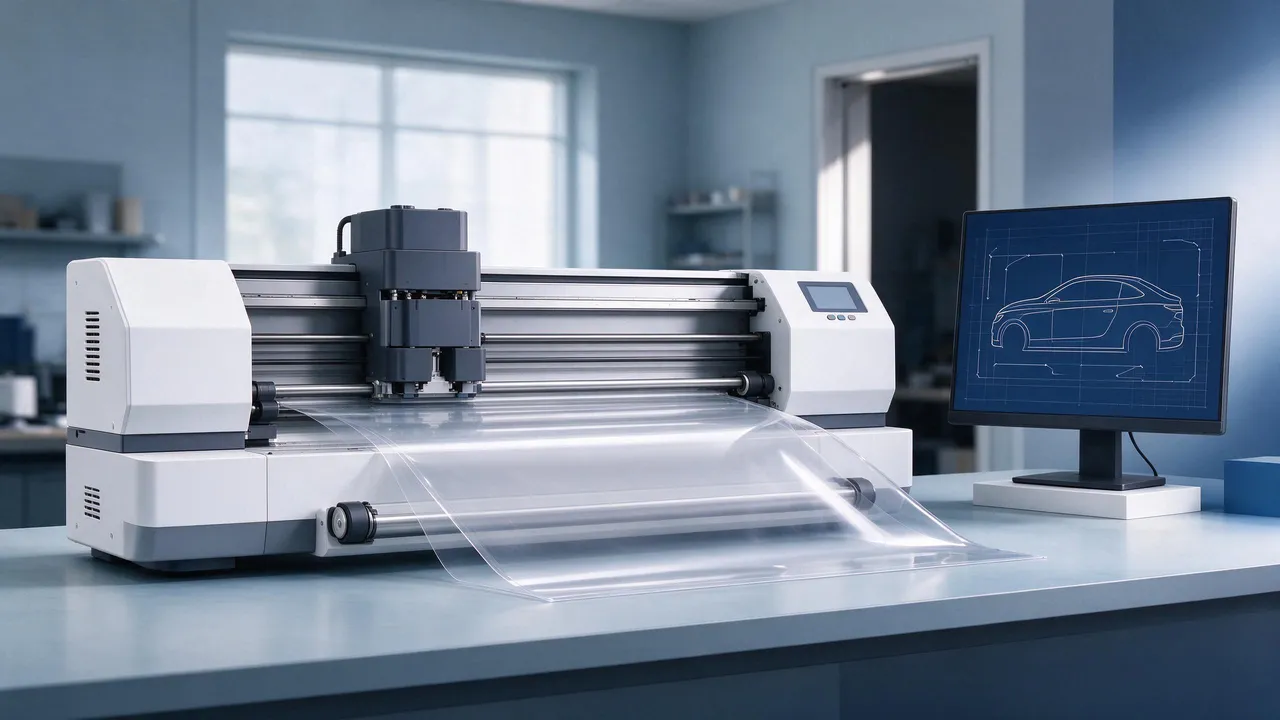
Short answer: Validate a cutting template against the actual vehicle, model year and trim. Scanned and manually captured files both need checks. Bleed is extra material beyond the intended finished edge; specify it with the coverage list and film requirements rather than trusting the file alone.
A clean screen outline does not prove panel fit. Template version, units, export, plotter calibration and material handling can all affect a cut. This guide reviews template sources, vehicle variants, bleed and kit coverage without assigning every short cut to the library.
Template validation is part of installation planning. For the workstation context, see PPF bay design.
On this page
Template fit and cutting results
A template describes cutting paths and may include part labels, orientation and edge allowances. Confirm any direction requirement for the actual film; not every PPF has a visible grain. Check the intended finished boundary, sensor openings and returns before approving the cut.
Check both outline fit and repeatability across the vehicles concerned. Keep capture details, vehicle checks and revision history. A file validated on one vehicle does not prove all trims or later production changes fit.
Scanned and manually captured templates
Scanning or photogrammetry can supply geometric data; manual tracing and measurement can supply another starting outline. Both require processing, suitable flattening and fit validation. Capture method alone does not rank accuracy, speed or suitability for compound curves.
Neither route is automatically correct. Confirm production version and actual trim, then validate the relevant parts before committing material. Record differences so another operator can identify the correct revision.
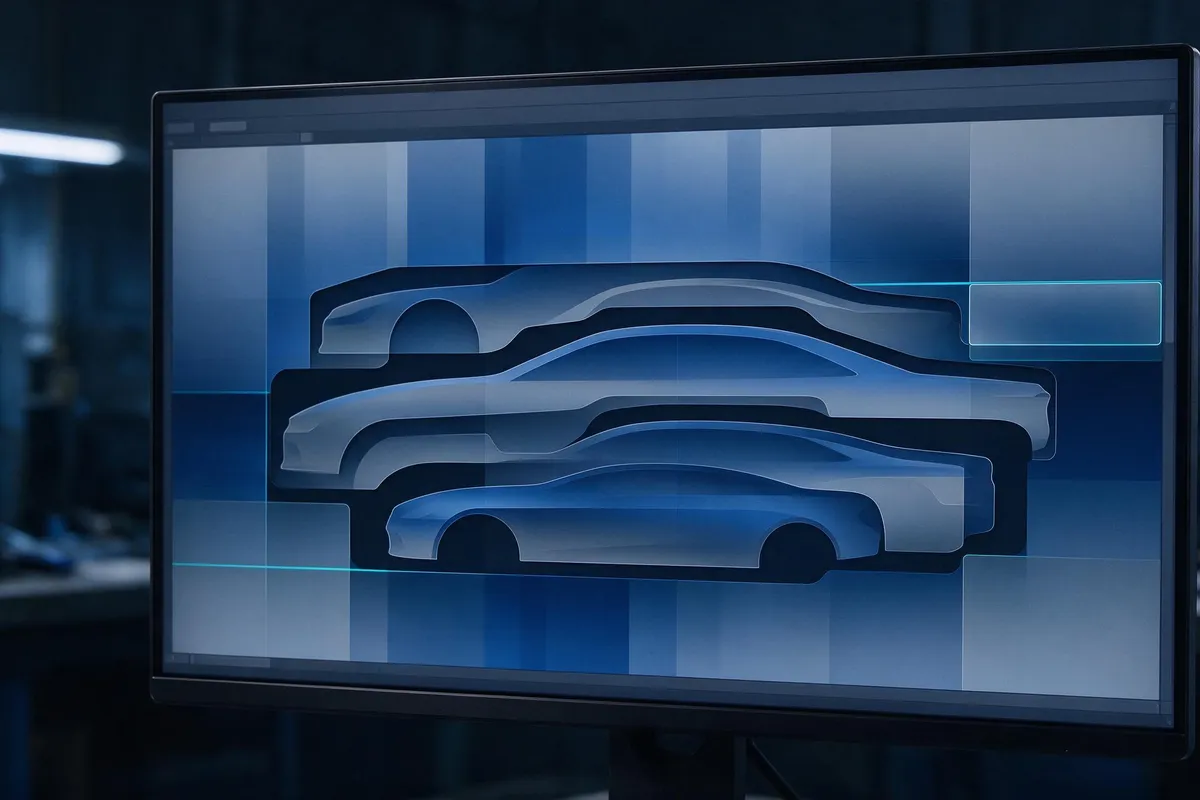
A workflow may combine captured geometry and manual corrections. Record their origin and validation status. An uncertain edge needs investigation, not an automatic wider margin that could interfere with sensors or trim.
Model-year and bumper variants
Model year, production changes and optional equipment can alter covered geometry.
Identify the relevant trim, bumper and sensor arrangement using appropriate vehicle records. Collect identifiers only as needed under the applicable data process. Match the file to the actual vehicle rather than its badge alone.
Choosing bleed by panel
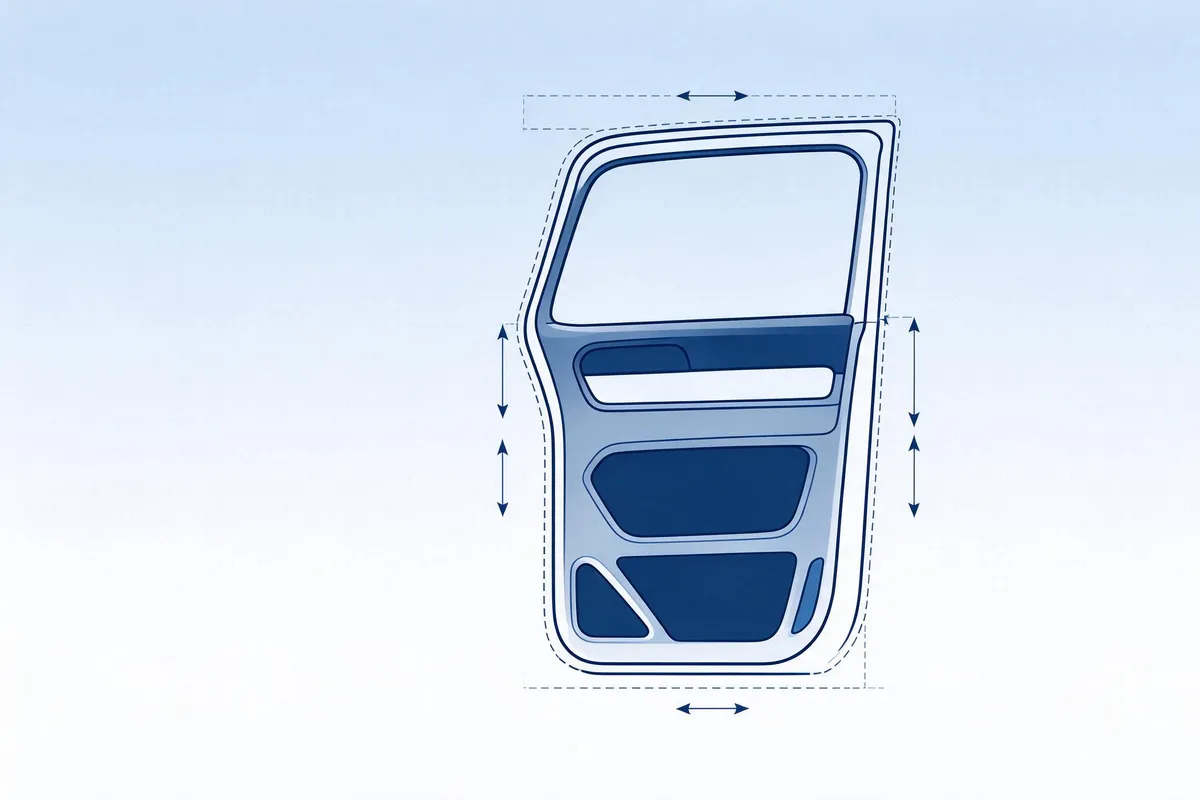
Bleed provides material beyond the intended finished boundary for an approved positioning and edge-finishing method. It is not permission to stretch a short piece, cut on paint or cover a restricted area. Define what the software’s allowance value measures.
Panel geometry, film construction, permitted returns and installation method affect the allowance. Experience alone does not authorize a tighter margin, and a wider margin does not resolve every fit problem. Validate settings for the actual part and product.
Full-car and partial coverage
“Full-car” and “partial” are commercial scope labels, not standardized panel lists. Define included surfaces, exclusions, returns and sensor clearances for the specific vehicle and film before quoting or cutting.
List the covered panels and show the intended boundary. A hood or bumper description can cover different extents. Keep quotation, file and handover record aligned; material yield depends on the actual nesting, not the kit name. See pattern cutting and nesting.
Comparing pattern libraries
The four categories below are source examples and may overlap: a vendor library can contain scanned, manual or hybrid files. Their figures are not an accuracy ranking or CHISI software specifications.
| Template source | Use context to assess |
|---|---|
| Scanned production vehicle | Confirm the exact production and trim version |
| Manual capture | Assess rare or modified vehicles individually |
| Hybrid corrected file | Check what changed and how it was validated |
| Vendor library | Verify vehicle coverage and individual file versions |
Compare file fit on the actual vehicle and cutter. Measure finished edge placement, check openings and document the file version before using it on customer work.
Source bleed examples
Confirm whether an allowance is per edge and how it relates to returns and restricted areas. More material is not automatically safer.
| Body area | Fit issue to investigate |
|---|---|
| Door with accessible return | Check final edge coverage and positioning |
| Flat hood reference | Check permitted returns and excess at boundaries |
| Compound-curved front bumper | Validate corners and sensor clearances separately |
| Compound-curved mirror cap | Do not compensate for a short cut by unapproved stretch |
| Rocker with a narrow channel | Assess channel access, contact and finishing method |
| Narrow pillar | Check alignment and any specified material direction |
Thickness alone does not determine conformability or required bleed. Use the actual film’s requirements and a validated panel file; do not infer a universal thicker-film margin.
Eight software evaluation topics
Evaluate software against the vehicles, cutting equipment and working process you actually use. The eight topics below are purchasing questions, not a claim that every vendor provides each feature or that software prevents installation defects.
| Evaluation topic | Evidence to request |
|---|---|
| Template coverage | Exact models, years and trims needed in your market |
| Updates and version control | Trial-fit the exact vehicle, body panel and film. Record the trim version, usable edge return and final fit before cutting a production batch. |
| Nesting | Test material use with your parts, orientation constraints and roll width |
| Common-line cutting | Check whether supported and appropriate for required gaps and margins |
| Remnant management | Confirm tracking and reuse functions; inspect stored material before reuse |
| Export compatibility | Confirm HPGL or DXF support, units and the actual plotter workflow |
| License and commercial terms | Request the actual license scope, permitted use, price and renewal terms |
| Interface and support language | For CHISI’s offered software, the confirmed interface language is English; confirm the needed support arrangements |
A file extension alone does not establish compatibility. Verify export units, scale, commands and plotter support, and validate the workflow without cutting on a customer’s painted surface. For equipment checks, see plotter blade setup ; cutting conditions depend on the material and equipment. For the subsequent application process, see PPF installation guidance.
Frequently asked questions
How accurate is a scanned template?
Request the exact definition, capture and validation conditions, and check the actual vehicle, file version and cutting system. A scan alone does not guarantee fit.
Is a new template needed every model year?
Not automatically. Check actual geometry, trim and production changes, including mid-year updates. Retain the revision history; an unchanged model name or calendar year is not proof of compatibility.
How much bleed should be added?
The detailed table also includes 10–20 mm for a pillar. Define the actual finished boundary and validate the product-specific allowance; do not infer it from thickness or operator experience alone.
Which export format is required?
Confirm the specific software, controller and plotter requirements. HPGL and DXF are source examples, not proof that every system accepts either. Check units, scale and a suitable test cut before production.
Can full-car and partial kits use the same file?
They need clearly distinguished panel lists and boundaries. Software may manage configurations within one project or separate files; confirm its actual workflow. Keep the quoted coverage and selected output aligned.
Can one template cover several bumper variants?
Only if the relevant geometry and clearances have been validated. Do not infer compatibility from a shared model name. Select or properly validate the required variant; a larger bleed is not a substitute for correct sensor openings.
How often should the library be updated?
Agree the vendor’s update and validation process for your vehicle mix. Check version changes before cutting even when the library was updated recently.
Choosing and validating a template library
Align vehicle identity, cutting paths, allowances and commercial coverage, then document validation. No single check guarantees fit or a defect-free installation. For CHISI’s offered software, a seven-day free trial and English interface are confirmed; request the applicable trial and post-trial commercial terms.
To discuss template coverage, equipment compatibility and film for your operation, contact our team.